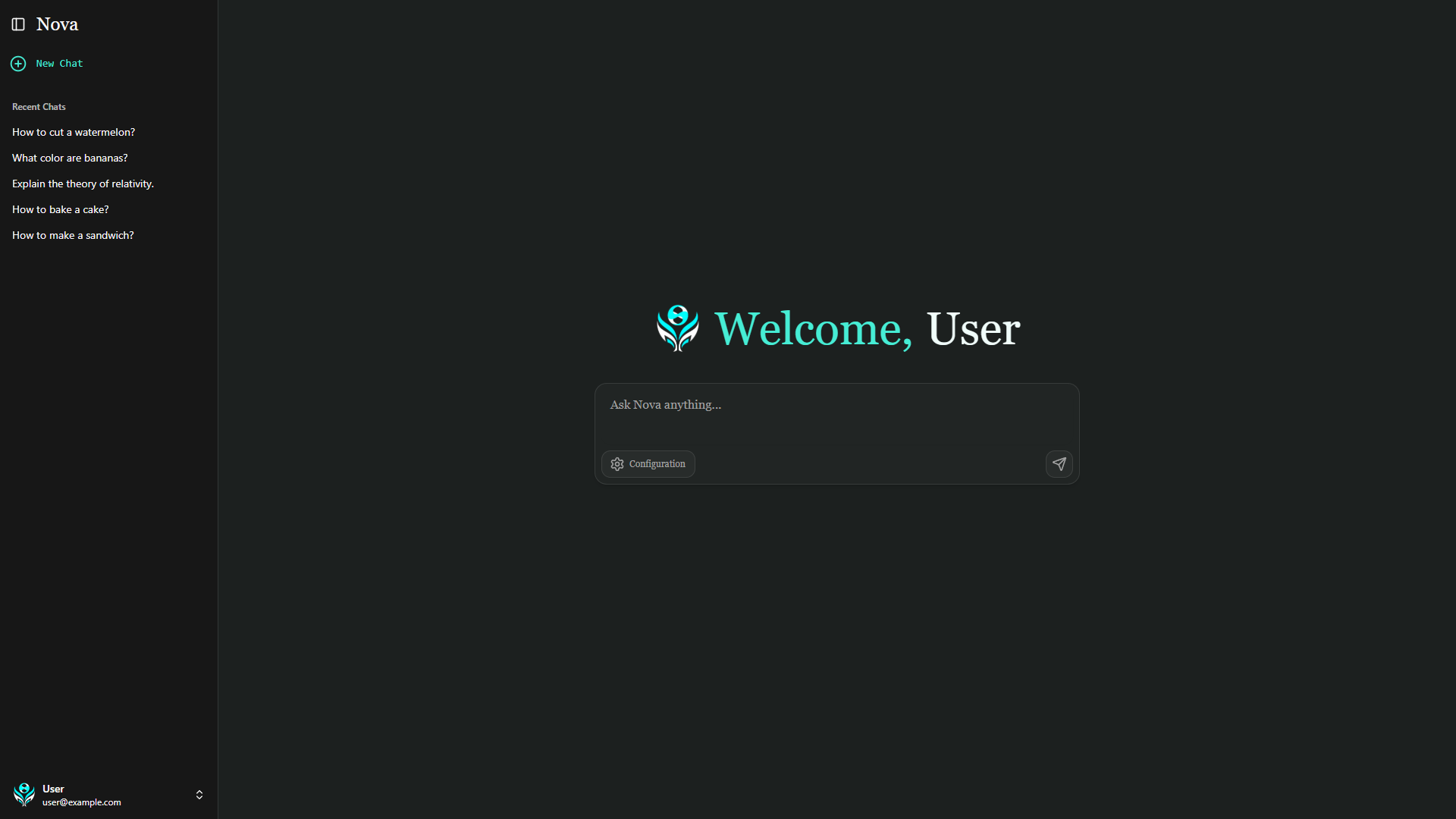
✨ Features
- Multiple Gemini Models: Support for Gemini 2.5 Flash, 2.0 Flash, and 1.5 Flash
- Model Context Protocol (MCP): Extensible tool system for enhanced AI capabilities
- Custom Function Tools: Example time and random number generation functions
- Real-time Streaming: Choose from chunk, word-by-word, or character-by-character streaming animations
- Markdown rendering: Real-time markdown rendering during generation
- Copy Messages: One-click copying of any message to clipboard
- Configurable Settings: Easy model switching and tool configuration for each message
🏗️ Architecture
Frontend (Client)
- Framework: React 19 with TypeScript
- Build Tool: Vite
- Styling: Tailwind CSS with custom design system
- UI Components: Shadcn/ui components with custom styling
- State Management: React Context for configuration
- Markdown Rendering: Full markdown support with syntax highlighting
Backend (Server)
- Runtime: Node.js with Express
- AI Integration: Google GenAI SDK
- MCP Support: Model Context Protocol client for extensible tools
- Streaming: Server-sent events for real-time responses
🚀 Quick Start
Prerequisites
- Node.js 18+ and npm
- Google Gemini API key
Installation
-
Clone the repository
git clone https://github.com/GalacticQuasar/nova-llm.git cd nova-llm -
Set up the server
cd server npm install -
Configure environment variables
# Create .env file in server directory echo "GEMINI_API_KEY=your_gemini_api_key_here" > .env echo "PORT=3000" >> .env -
Set up the client
cd ../client
npm install
Running the Application
-
Start the server (from server directory)
npm start # or for development with auto-reload npm run watch -
Start the client (from client directory)
npm run dev -
Open your browser to
http://localhost:5173
⚙️ Configuration
Model Selection
Choose from available Gemini models:
- Gemini 2.5 Flash
- Gemini 2.0 Flash
- Gemini 1.5 Flash
Streaming Animation
Customize how responses appear:
- Chunk: Instant text blocks (fastest)
- Word: Word-by-word animation (balanced)
- Character: Character-by-character typing effect (smoothest)
Function Tools
Enable/disable built-in functions:
- Get Time: Current time in specified timezone
- Get Random Number: Random number generation within range
Note: You can add or change these tools, see Adding Custom Tools
Model Context Protocol (MCP)
Toggle MCP mode to use external tool servers for extended functionality.
🛠️ Development
Project Structure
nova-llm/
├── client/                 # React frontend
│   ├── src/
│   │   ├── components/     # UI components
│   │   ├── contexts/       # React contexts
│   │   ├── hooks/          # Custom hooks
│   │   ├── api/            # API client
│   │   └── types/          # TypeScript types
│   └── public/             # Static assets
└── server/                 # Express backend
    ├── server.js           # Main server file
    └── package.json        # Server dependencies
Adding Custom Tools
-
Define the function in
server.js:const myCustomFunction = async (param1, param2) => { // Your implementation return result; }; -
Add function declaration to
geminiConfig:{ name: "my_custom_function", description: "Description of what it does", parameters: { type: Type.OBJECT, properties: { param1: { type: Type.STRING, description: "Parameter description", }, }, }, } -
Add the function call in the
handleFunctionCallhandler:async function handleFunctionCall(functionCall) { try { if (functionCall.name === "get_time") { return await getTime(functionCall.args.location); } if (functionCall.name === "get_random_number") { return await getRandomNumber(functionCall.args.min, functionCall.args.max); } // ADD YOUR FUNCTION CALL HERE IN THE HANDLER if (functionCall.name === "my_custom_function") { return await myCustomFunction(functionCall.args.param1, functionCall.args.param2); } } catch (error) { console.error(`Error handling function call ${functionCall.name}:`, error); return null; } }
🔌 Model Context Protocol (MCP)
Nova LLM supports MCP for extensible tool integration. MCP servers can be configured in the server initialization:
const serverParams = new StdioClientTransport({
  command: "npx",
  args: ["your-mcp-server-package"]
});
When MCP mode is enabled, custom function tools are disabled in favor of MCP-provided tools.
📚 API Reference
POST /api/stream
Stream chat responses from Gemini models.
Request Body:
{
  "messages": [
    {
      "role": "user|model",
      "content": "Message content"
    }
  ],
  "config": {
    "model": "gemini-2.0-flash",
    "tools": {
      "get_time": true,
      "get_random_number": false
    },
    "mcpEnabled": false,
    "streamType": "Word"
  }
}
Response: Server-sent events with text chunks